
EPSON Stylus Color 400, 600 EPSON Stylus Color 400, 600
Pressing and holding LOAD/EJECT and CLEANING buttons, press POWER button and hold it until You will see blinking INK OUT and PAPER OUT leds. Pressing and holding LOAD / EJECT and CLEANING buttons, press POWER button and hold it until You will see blinking INK OUT and PAPER OUT leds.
Posted in:
Epson
|
|
|
EPSON Stylus Photo 785, 895 EPSON Stylus Photo 785, 895
Pressing and holding Maintenance and Roll Paper buttons, press POWER button, You will see blinking Error led. Pressing and holding Maintenance and Roll Paper buttons, press POWER button, You will see blinking Error led.Release all buttons. Release all buttons.
In 2-3 seconds time until led is blinking press and hold for 10-12 seconds Roll Paper button, until all leds will blink.
Readmore...
Posted in:
Epson
|
|
|

EPSON Stylus Color 300 EPSON Stylus Color 300
Pressing and holding LOAD/EJECT and CLEANING buttons, press POWER button and hold it until You will see blinking INK OUT and PAPER OUT leds. Pressing and holding LOAD / EJECT and CLEANING buttons, press POWER button and hold it until You will see blinking INK OUT and PAPER OUT leds.
Posted in:
Epson
|
|
|
EPSON Stylus Color 3000 EPSON Stylus Color 3000

Pressing and holding PAUSE, LF/FF and DOWN ARROW buttons turn on printer. Pressing and holding PAUSE, LF / FF and DOWN ARROW buttons turn on printer.
Release all buttons. Release all buttons.
Posted in:
Epson
|
|
|
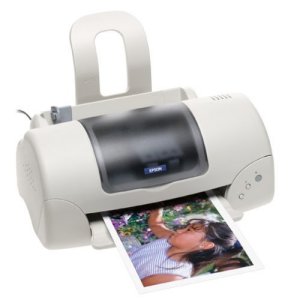
EPSON Stylus Color
Pressing and holding ALT+FONT+LOAD+PAUSE buttons combination, press POWER button. Pressing and holding ALT + FONT + LOAD + PAUSE buttons combination, press POWER button. Release all buttons. Release all buttons.
Posted in:
Epson
|
|
|